 Sporløs
Three things “turn off” can mean
Leave it
More, then New Tab, and you're back in your normal tabs.
Close the private tabs
One at a time, or all at once from the Done button.
Remove it from Safari
There's no switch. A Screen Time web filter may hide it.
Leave Private Browsing in Safari
- Open Safari.
- Tap the More button, the one with three dots.
- Tap New Tab.
Two taps to get out
- 1Tap More, the three dots
- 2Tap New Tab
- 3The address bar turns light
The address bar tells you where you are: dark in Private Browsing, white or grey outside it.
On iOS 17 and earlier, tap the Tabs button instead, swipe to the tab group that shows how many tabs you have, and tap the tab you want.
Close the private tabs too
Leaving doesn't close anything. Apple's iPhone guide says the websites you have open in Private Browsing stay open. Go back in next week and the same pages are waiting.
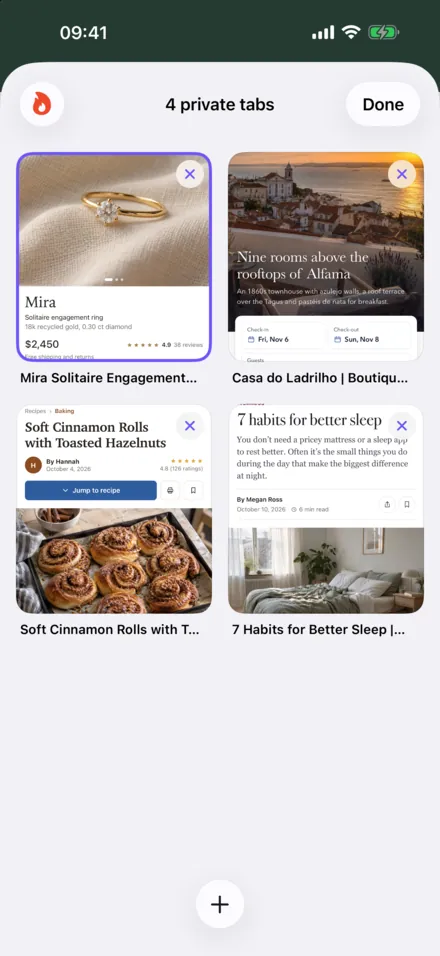
To close them, open Private Browsing again (More, then New Private Tab), tap the Tabs button, and tap the close button in the corner of each tab. With a lot of tabs it's quicker to touch and hold Done, then tap Close All Tabs, which shows how many there are.
Once they're closed, Safari keeps no history, searches or AutoFill information from them.
In Chrome
Chrome calls it Incognito. Tap Switch tabs, swipe across to your incognito tabs and close them. The incognito session ends when you close the last incognito tab.
Can you remove Private Browsing altogether?
Safari has no on/off switch for Private Browsing, and Apple's support pages don't describe one. Parents use the web filter in Screen Time instead.
For a child in your Family Sharing group, open Settings on your own iPhone and tap Family, then the child's name. Tap Apps & Websites, then Restrictions, then Filtering under Websites, and choose Limit Adult Websites. Apple says this filter is on by default for children under 18.
In Apple's community forums, parents say New Private Tab disappears from Safari while the filter is on. A few say it stayed. Apple's guides don't say which to expect, so open Safari on the child's iPhone afterwards and look in the More menu.
If New Private Tab is missing from your own iPhone, a web filter in Screen Time is the usual reason.
A browser with nothing to turn off
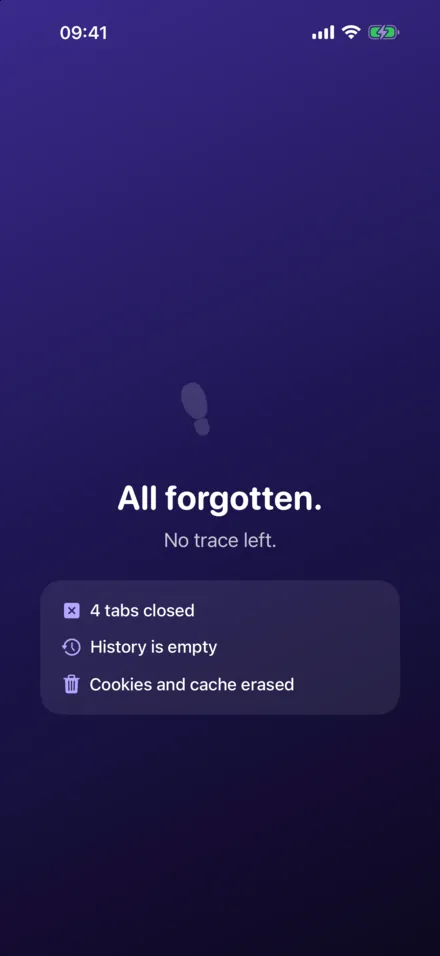
I made Sporløs because I kept finding private tabs I'd forgotten about. It has no normal mode to go back to and no private mode to leave, because nothing you open is ever saved on the phone. It closes every tab and forgets the session when you leave the app: right away, after 1 minute or after 15 minutes. Or set it to wait until you tap the flame.
 12
 34
- The flame: Forget everything
- Every new tab is private
- No trace left
- Cookies and cache erased
It isn't a parental control. It isn't a VPN either, so the sites you visit and your network see as much as they would in Safari. Sporløs costs $1.99, once.
Looking for the way in? How to go incognito on iPhone also covers what a private tab hides.